




Before You Pay: How to Review Your Oxygen XL Account
A collection notice can leave you with practical questions: Which account is this? Does the balance match my records? Where should I go if something looks wrong? Start by reviewing the account and choosing the next step that fits your situation.
1. Start from a website you recognize
Open OXLportal.com directly in your browser. From the portal home page, use Review Account–Pay Online to reach the account-access service. Checking the destination from the official site is a useful precaution when a message contains an unfamiliar payment link.
If you are uncertain about a message, contact Oxygen XL using the details on the official contact page. Choose the contact information that matches your account; the page lists a separate contact for Professional Parking Management accounts.
2. Compare the notice with your own records
Have your notice and relevant records available before signing in or contacting support. Work through these questions:
- Does the name and account or reference number match the notice you received?
- Do you recognize the original company, transaction or service?
- Does the amount reflect any payments or credits you have already made?
- Are the dates consistent with your receipts, statements or account history?
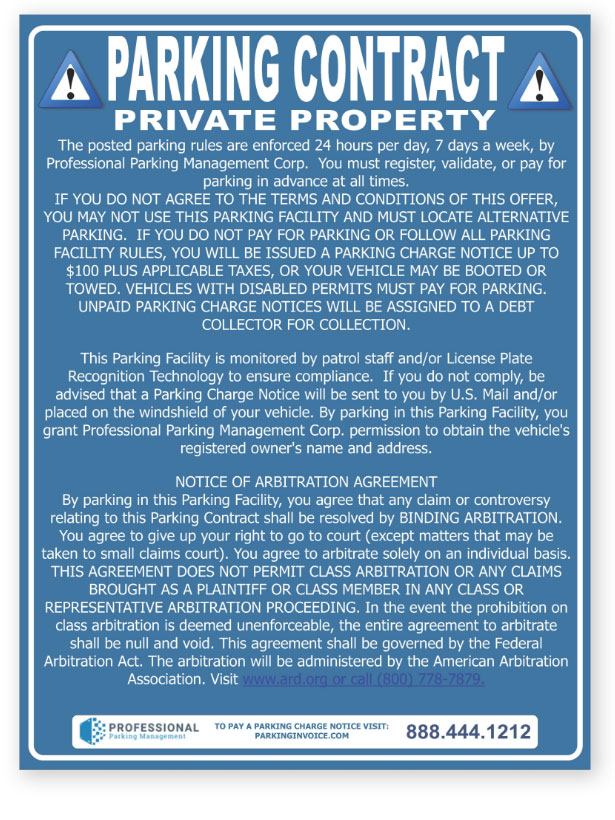
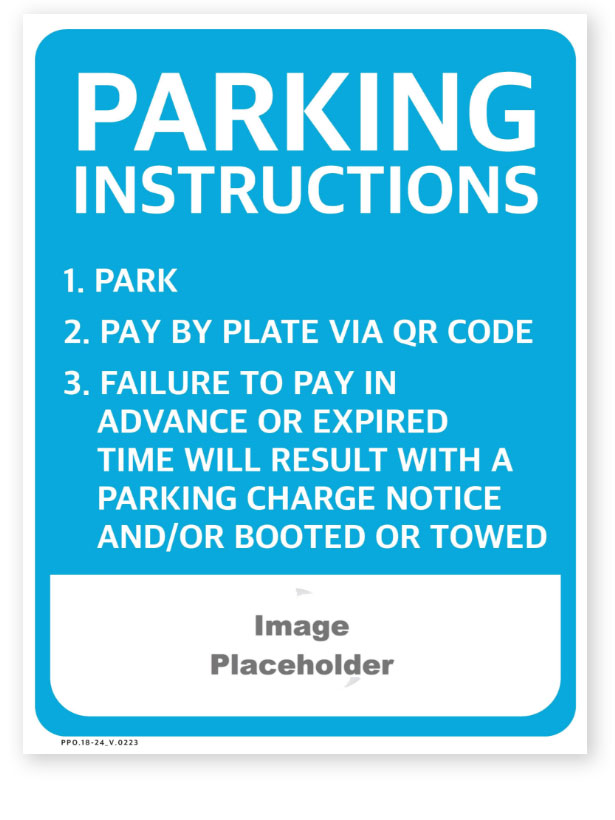
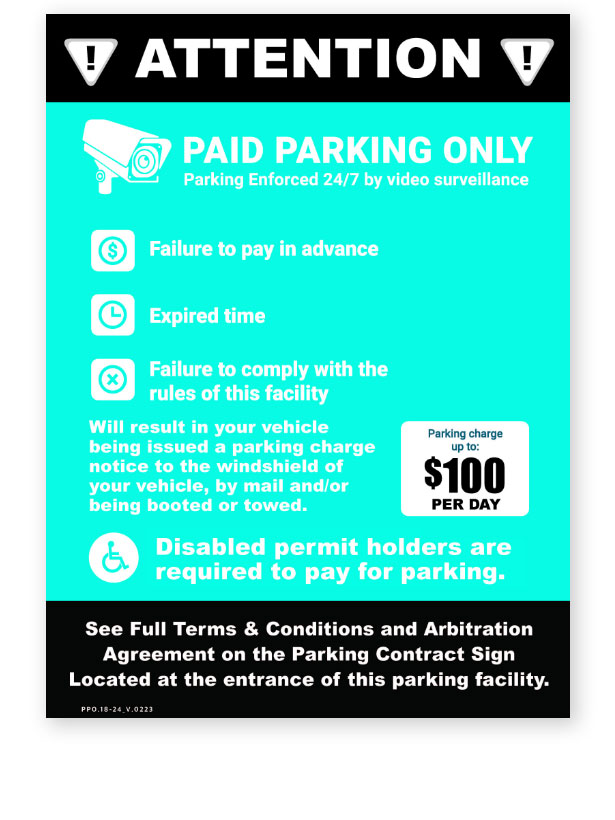
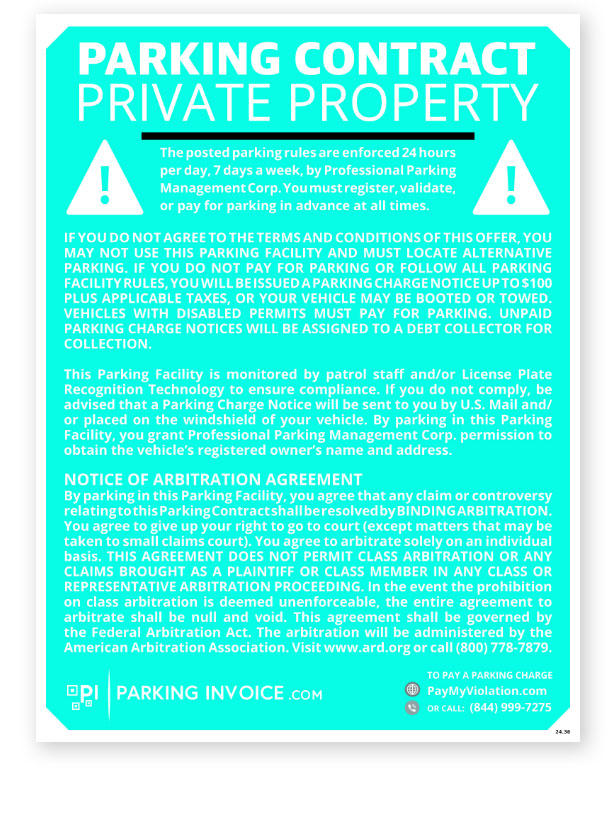
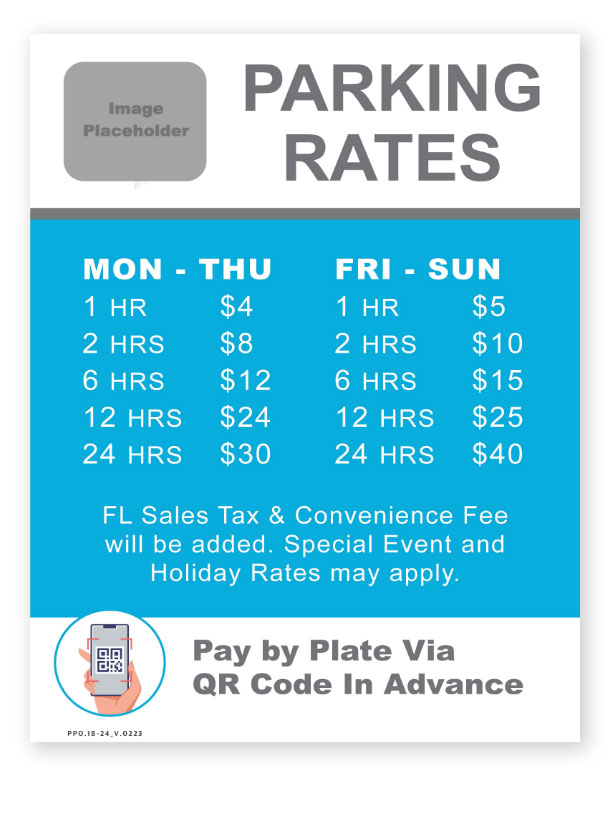
For a parking-related account, compare the location, vehicle plate, parking date and paid time with the receipt or payment-app record. A bank statement may show that a payment occurred without identifying the vehicle, location or parking period, so keep any more detailed receipt as well.
3. Ask about anything that does not match
If a payment appears to be missing, explain when you paid, how you paid and which account the payment was intended for. If you do not recognize the account, say so clearly. Keep copies of what you submit and a dated record of your communications.
Use the dispute page to review the available account-dispute options, or contact support if you need help understanding the process. Follow the instructions and dates in your notice. A routine support conversation should not be treated as a substitute for a written dispute when a written response is required to exercise a particular right.
4. Understand validation information
For debts covered by the federal debt collection rule, validation information generally identifies the creditor, the amount and how to dispute the debt. The Consumer Financial Protection Bureau explains that a timely written dispute during the validation period requires the collector to pause collection of the disputed amount until it adequately responds. Review your notice for the applicable response date and instructions.
Read the CFPB explanation of debt validation information for more detail. Coverage and additional protections can depend on the debt and applicable law.
5. Choose your next step
If the details look correct and you want to explore payment, return to Review Account–Pay Online. If you still have questions, contact account support first. If you believe the account or balance is wrong, review the dispute instructions and preserve your supporting records.
Sources reviewed October 26, 2026. General information, not legal advice.
This communication is from a debt collector. This is an attempt to collect a debt. Any information obtained will be used for that purpose.